

Aestiquo
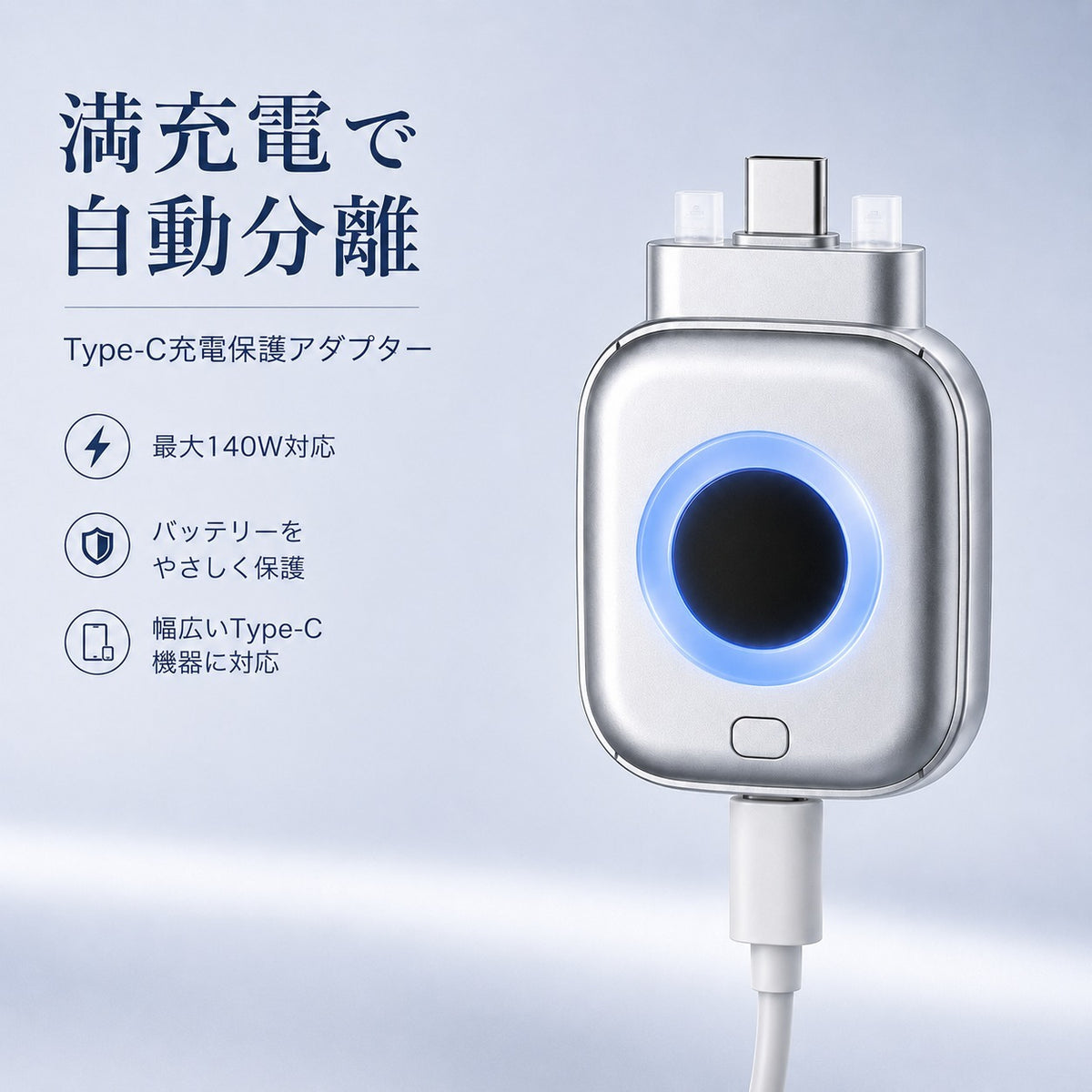
【Automatic Disconnection When Fully Charged】Type-C Charging Protection Adapter, Up to 140W, Prevents Overcharging, Compatible with USB-C Smartphones, Tablets, and Laptops
【Automatic Disconnection When Fully Charged】Type-C Charging Protection Adapter, Up to 140W, Prevents Overcharging, Compatible with USB-C Smartphones, Tablets, and Laptops
SKU:PW001
Low stock: 10 left
Couldn't load pickup availability
- Free Shipping on Orders Over ¥3,000 in Japan
- 100% Secure Payment, Encrypted Protection
- 30-Day Money-Back Guarantee, perfect for gifts with peace of mind
share
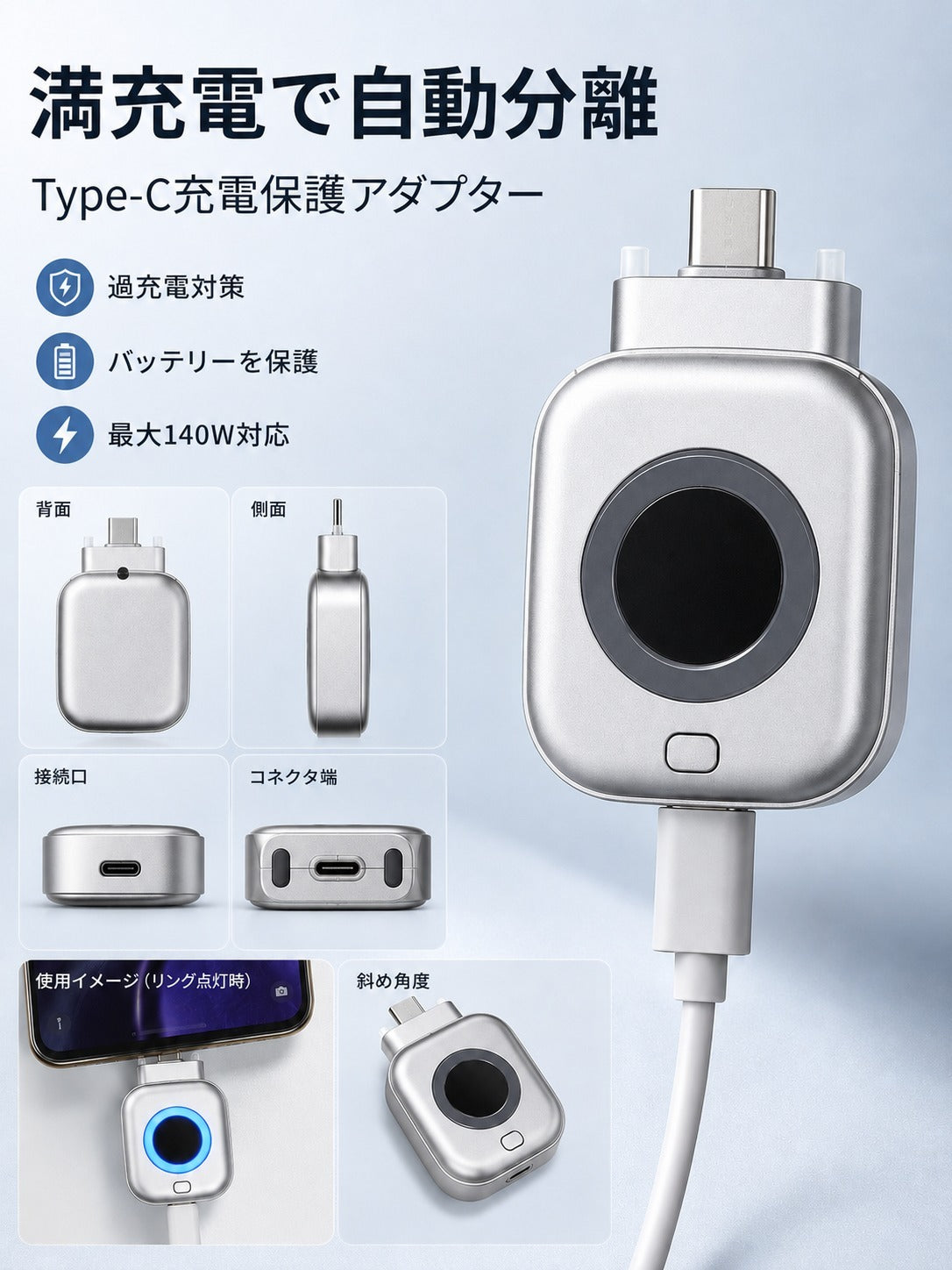
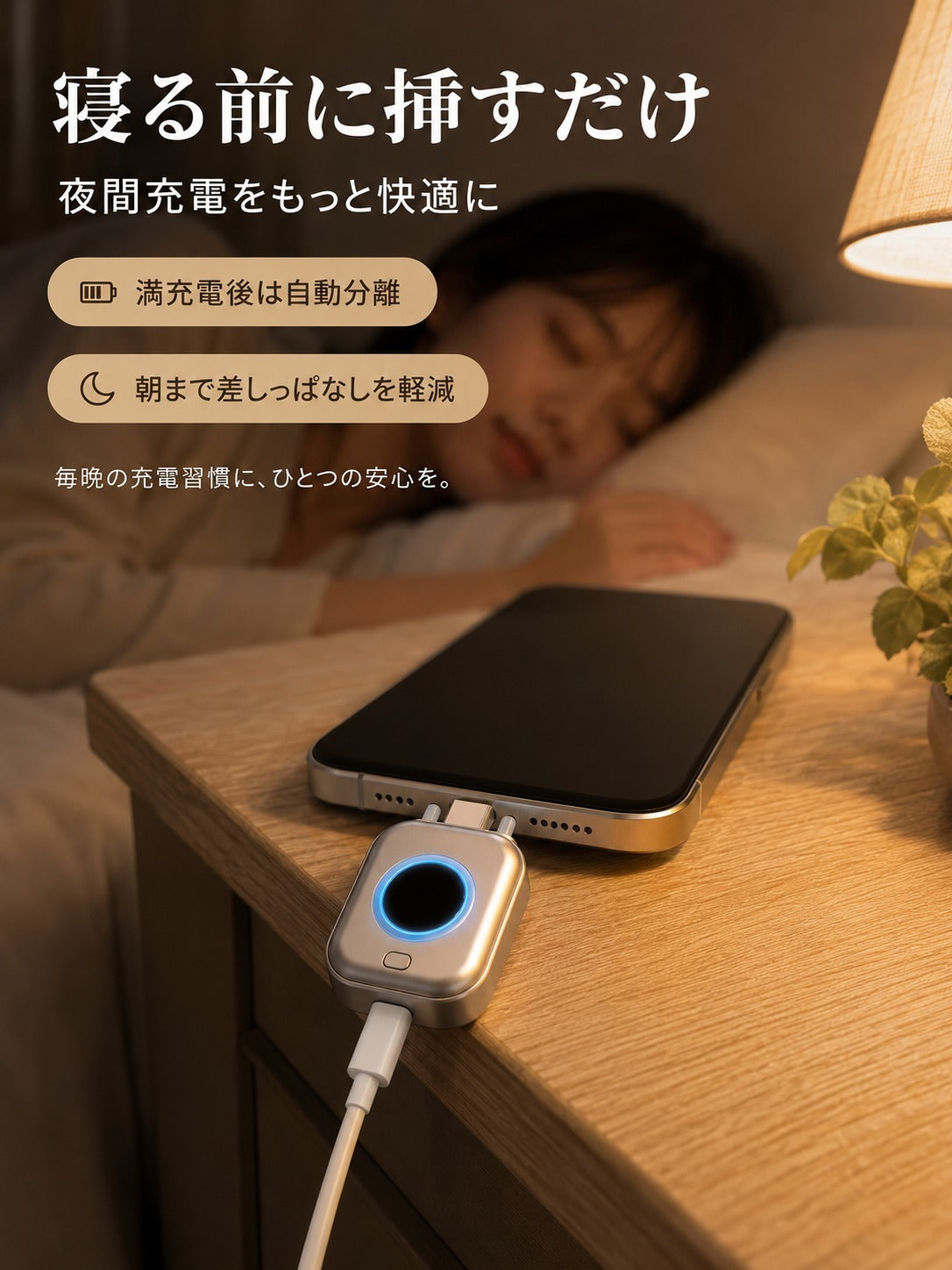
Automatically disconnects the connection by detecting the charging current.
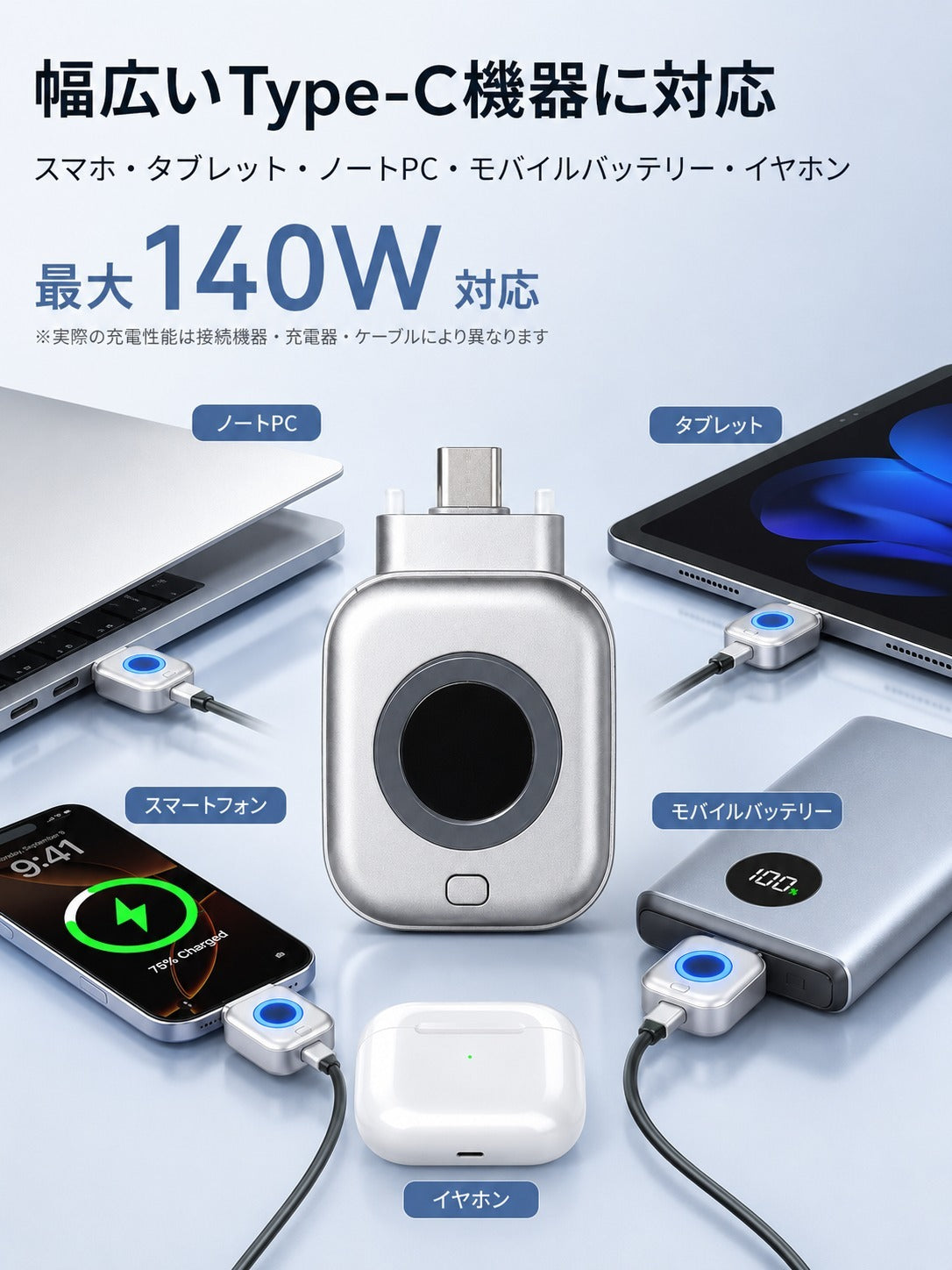
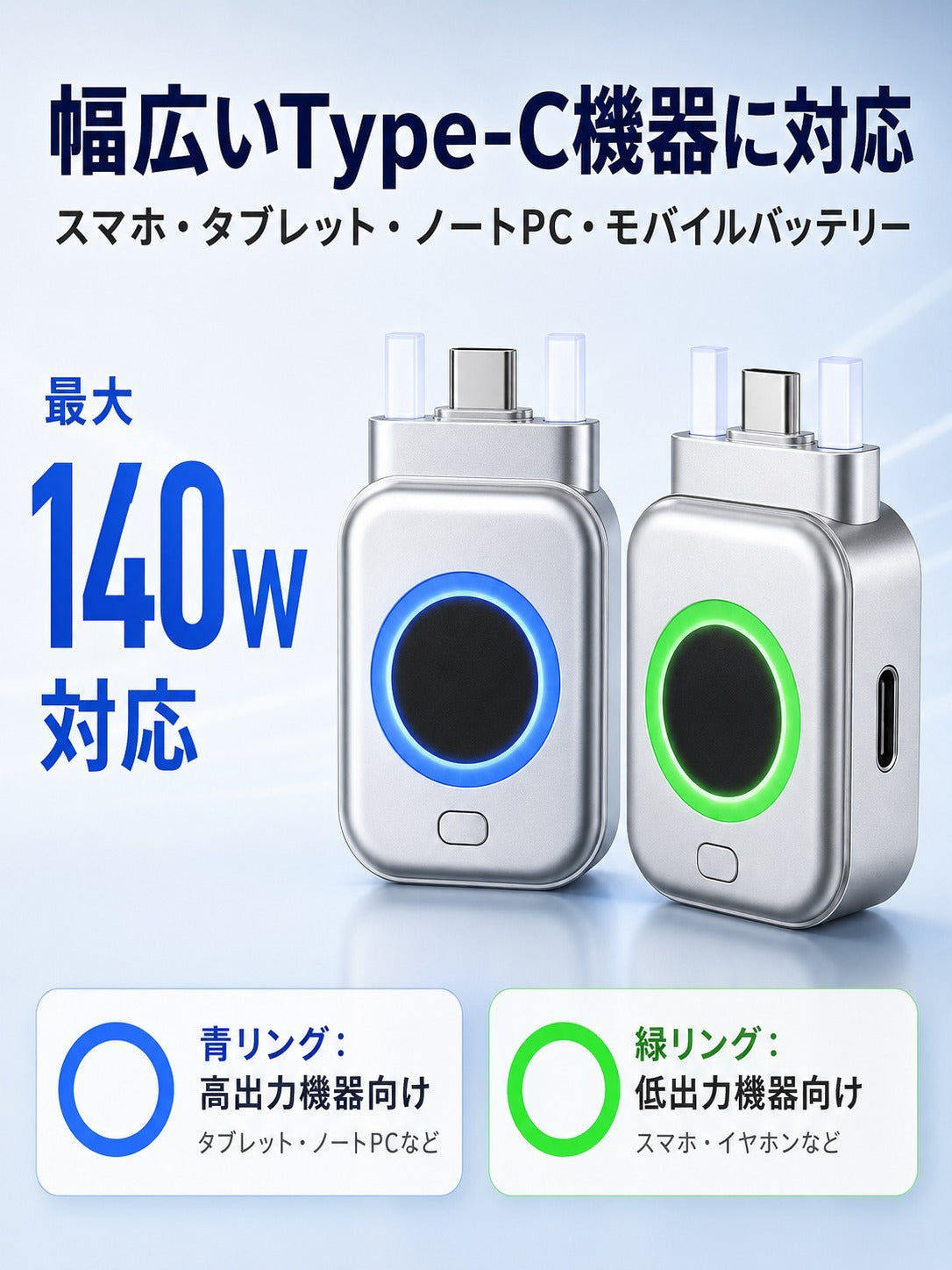
Two modes to choose from depending on your device. This USB Type-C charging protection adapter supports up to 140W.
It determines disconnection using an internal current sensor. Even after the screen displays 100%, it may continue trickle charging for approximately 10 to 50 minutes before disconnecting. Operating the device while charging may take even longer.
Automatic disconnection based on charging current
When the detection conditions for the selected mode are met, a push rod activates to physically separate the connection.
Supports up to 140W
Input/Output: Type-C 5–28V, 0–5A. Actual charging power depends on the specifications of the connected device, charger, and cable.
Select the mode with a button
Use the button on top to switch between the blue and green modes depending on the device you are connecting. It does not select automatically.
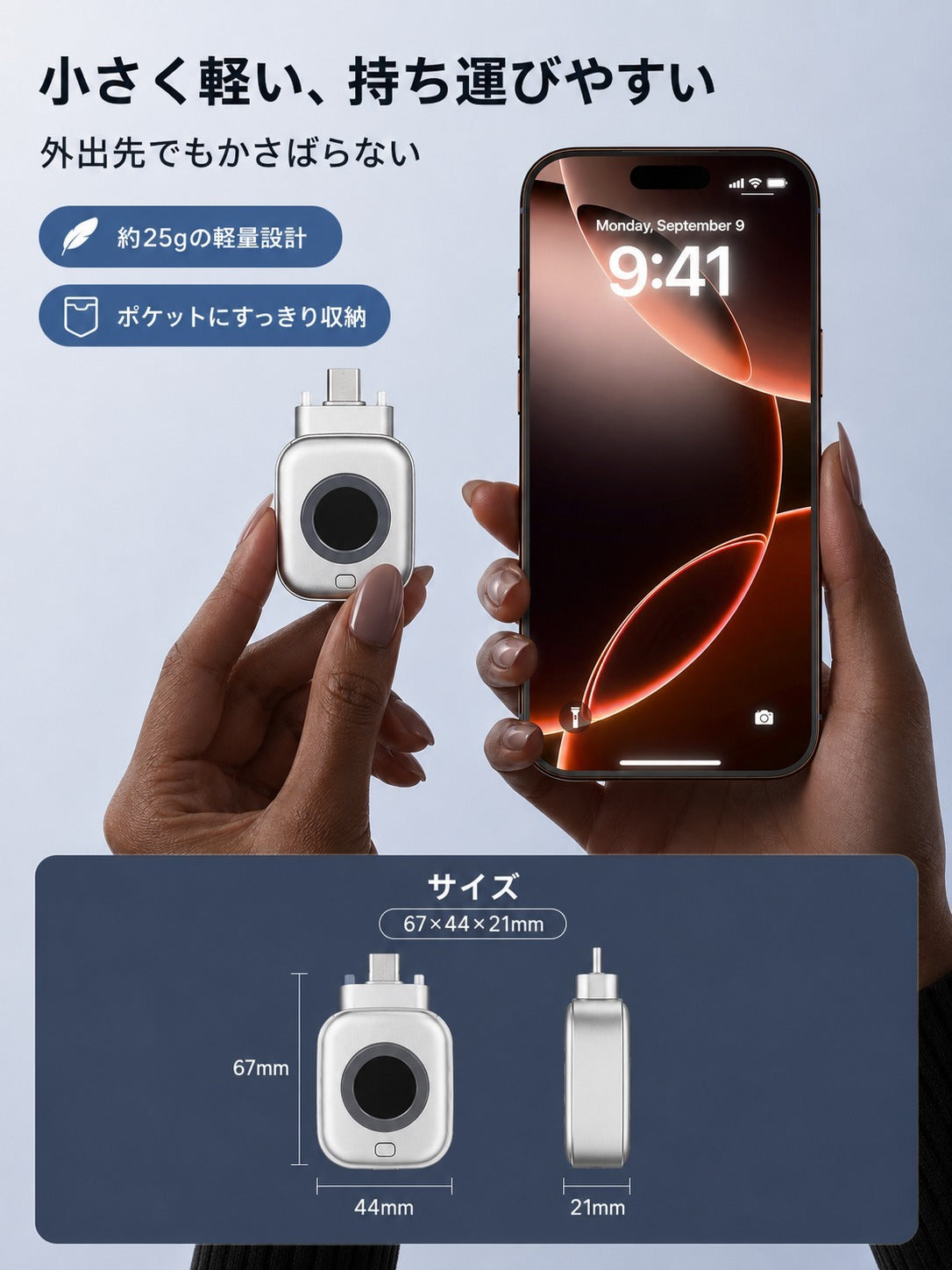
Compact design weighing approximately 25g
Approximately 45 × 68 × 22 mm. At home or in the office, use it on a stable surface such as a desk to prevent it from falling when it disconnects.
Two charging modes and LED display
Blue LED|High-power mode
For smartphones, tablets, laptops, etc. It determines that the device is fully charged when the charging current falls below 500mA and automatically disconnects.
Green LED|Low-power mode
For wireless earphones, mobile batteries, shavers, smartwatches, etc. It determines that the device is fully charged when the charging current falls below 100mA and automatically disconnects.
When disconnecting, the selected LED (blue or green) will flash. It will not turn red.
Connection method and usage conditions
Insert the male connector of this product into the Type-C port on either the device or the charger, and connect the cable to the female connector. The automatic disconnection function works in either orientation.
Even for devices equipped with a USB-C port, operation may vary depending on the specifications of the charger, cable, and connected device. Operation is not guaranteed for all devices.
To charge again, reinsert the separated connection part.
Product specifications
| Model number | X01 |
| Maximum supported power | 140W |
| Input/Output | Type-C 5–28V/0–5A |
| Connection terminal | USB Type-C |
| Size | Approximately 45 × 68 × 22 mm |
| Weight | Approximately 25g |
| Material | Flame-retardant PC |
| Color | Silver |
How to check operation
Checking the push-out mechanism:While not charging, press the button on top three times quickly in succession.
Checking disconnection due to charging:Start with a smartphone or similar device with a battery level of 90% or less. If the battery level is already 99% or higher, the disconnection function may not activate.
Whether connected to the device or the charger, this product and the connected cable will fall when it disconnects. Use it on a stable surface such as a desk. Using it in a vertical wall outlet may lead to damage or injury due to falling.
Do not touch with wet hands, and avoid water, disassembly, modification, and strong impacts. Do not use in high temperatures, high humidity, or near open flames. If there is abnormal heat generation, an unusual odor, or deformation, stop using it immediately and store it out of reach of small children.
関連資料:
製品取扱説明書(PDF)